
Compare Products
Choose a product line, then pick up to three models to compare side-by-side.
Not sure which is right for you?
Prices shown for 3-pack configurations. Coverage varies by home construction.
Mesh system or single router?
Both deliver fast WiFi — the right choice depends on your home size, layout, and how many devices you connect.
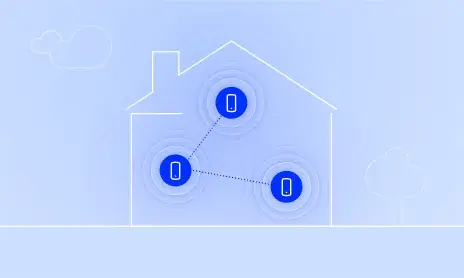
BEST FOR LARGER HOMES
Mesh System
A network of multiple nodes that work together to blanket your whole home in seamless WiFi — no dead zones, one network name.
Whole-home coverage up to 10k sq/ft.
Eliminates dead zones in multi-story homes
Add nodes anytime to extend coverage
One network name, automatic handoff between nodes

BEST FOR SMALLER HOMES
Single Router
A powerful single-point router that delivers fast WiFi to every device — ideal for apartments, condos, and small homes.
Strong coverage up to 3.5k sq/ft.
Lower upfront cost than mesh systems
Simple, one-device setup
Top-tier speeds for gaming and streaming
Best for home size
Devices supported
Setup
Expandable
Starting price
Mesh, router, or extender — which do you need?
All three improve your WiFi, but they solve different problems. Find your situation below.
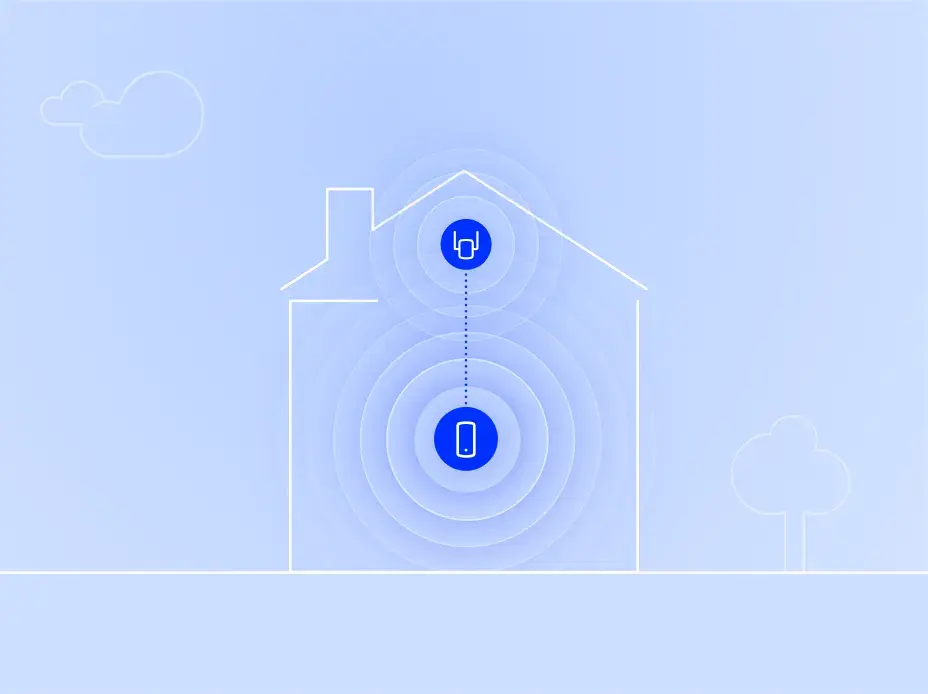
FIX ONE DEAD ZONE
An Extender
You already have a router you're happy with. One room or corner just doesn't get a strong signal — the back bedroom, the garage, the patio. An extender plugs into an outlet and rebroadcasts your existing WiFi out to that spot.
Keeps your current router. No network changes.
Cheapest fix. Starting around $80.
Sets up in 5 minutes. WPS button or app.
Best if one specific area needs better signal.

REPLACE AN AGING ROUTER
A Single Router
You're ready to retire the router your ISP gave you — or your old WiFi 5/6 router is showing its age. A modern WiFi 7 router drops into the same spot and gives you faster speeds, more device capacity, and better range from one box.
One-box simplicity. Same footprint as before.
Big speed jump from WiFi 5 or 6.
Best fit for apartments and single-floor homes.
Best if your home is smaller or single-floor and signal reaches everywhere.
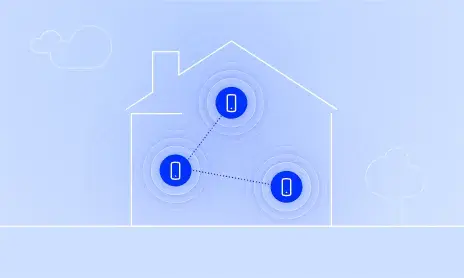
UPGRADE YOUR WHOLE HOME
A Mesh System
A router plus one or more satellites that work as a single network across your whole house. Devices hand off automatically as you move around — no dropped calls walking from the kitchen to the basement. Built to handle a lot of devices at once.
Whole-home coverage up to 10,000 sq ft.
Scales with you. Add satellites later for more range.
Handles smart-home density better than a single router.
Best for larger homes, multi-story, or many devices.
Honest note on extenders
Extenders are great at solving one dead zone cheaply. They're not great when:
Your main router is old or weak — an extender can only rebroadcast the signal it receives.
You have 2+ dead zones — most people end up happier with mesh, even though the upfront cost is higher.
You want one seamless network — extenders can create a second WiFi name your devices have to switch between.
Not sure which fits? — we'll steer you to the right fit, even if it's the cheaper one.
Frequently asked questions
It mostly comes down to your home’s size, layout, and WiFi coverage needs. If you have a larger home, multiple floors, or frustrating dead zones, a mesh system like Orbi can help deliver reliable WiFi throughout your home. For smaller homes or apartments without coverage issues, a single high-performance router may be all you need.
Both deliver powerful WiFi 7 performance, but they’re designed for different needs. The Orbi 770 offers fast, reliable whole-home WiFi for everyday streaming, gaming, and working from home. The Orbi 970 takes performance even further with quad-band technology, faster speeds, and greater coverage, making it ideal for larger homes, demanding households, and multi-gig internet plans.
No. Orbi routers and satellites are designed to work with compatible models within their respective series. For example, an Orbi 770 satellite cannot be paired with an Orbi 970 router. If you’re looking to expand your coverage, make sure you choose a satellite that’s compatible with your existing Orbi system.
No additional wiring is needed! Simply connect your Orbi router to your modem or internet gateway, then place the satellites around your home. They’ll connect wirelessly to extend your WiFi coverage. You can also connect satellites using Ethernet cables for a wired connection, but it’s completely optional.
After your complimentary trial of NETGEAR Armor ends, you can choose to purchase a subscription to continue enjoying its advanced cybersecurity protection. If you decide not to subscribe, your Orbi system will continue providing WiFi as usual, but Armor’s additional security features will no longer be active.