

Mobile Hotspots
Stay connected with 5G mobile hotspots built for life on the move. These portable WiFi devices deliver fast, secure internet wherever you go.
10 Items
Sort by
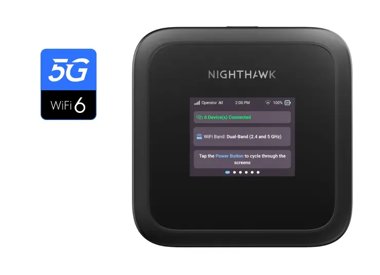
Nighthawk M3, 5G Mobile Router, up to 2.5 Gbps
Nighthawk M3 5G WiFi 6 Mobile Hotspot Router, Unlocked (MH3150)
- WiFi 6
- Up to 3.6 Gbps
- Up to 93 m²

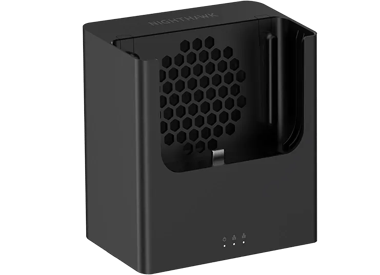
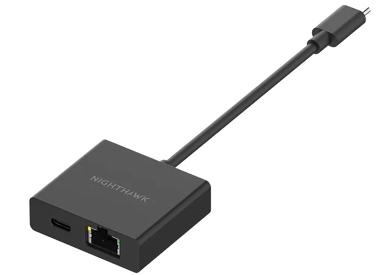

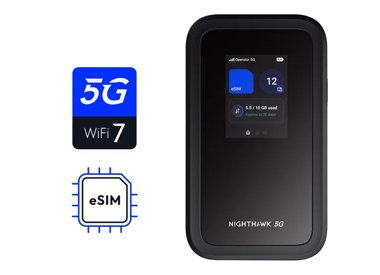
5G WiFi 7 Mobile Hotspot Router (MH7150)
Nighthawk 5G M7 Mobile WiFi 7 Router with eSIM
- WiFi 7
- Up to 3.6 Gbps
- Up to 93 m²
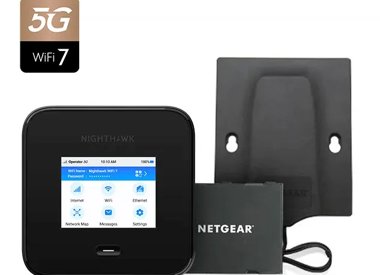
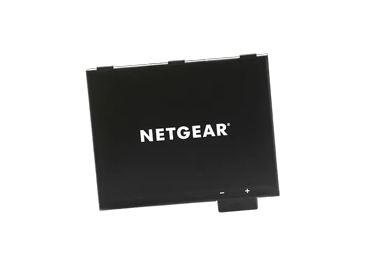
NETGEAR Pack including 5G mobile router Nighthawk M7 Pro with 5G antenna and additional battery (MR7450AB)
- WiFi 7
- Up to 5.8 Gbps
- Up to 93 m²
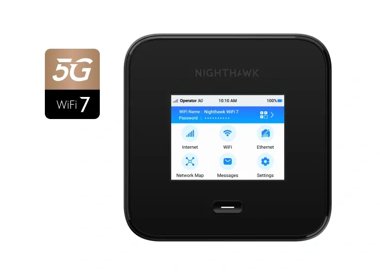
Nighthawk M7 Pro, 5G WiFi 7 Mobile Router, 6 Gbps
Nighthawk® M7 Pro, WiFi 7 mobile 5G router, up to 6 Gbps
- WiFi 7
- Up to 5.8 Gbps
- Up to 93 m²
Showing 1-10 of 10
FAQs
A mobile hotspot lets you share a cellular data connection with other devices by creating a WiFi signal. It works like a portable router, using a SIM card to connect to a mobile network. You can then connect laptops, tablets, or other devices to the hotspot just like you would with home WiFi. It’s useful for internet access on the go or in places without wired service.
First, insert a SIM card with an active data plan. Power on the device and wait for it to connect to the mobile network. Once connected, it will broadcast a WiFi signal. You can then join that network on your phone, laptop, or other devices using the password provided.
Using your phone as a hotspot might be convenient, but it’s not built for long sessions or multiple devices. It can slow down your phone and drain the battery fast. Dedicated hotspot routers like Nighthawk 5G offer longer battery life, better signal strength, and can handle more devices at once.