

WiFi Extenders
Fill in the weak spots. These WiFi extenders bring reliable coverage to rooms your router can’t reach without changing your entire setup.
30 Items
Sort by
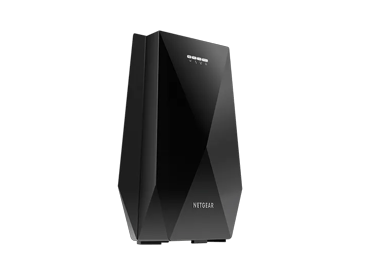
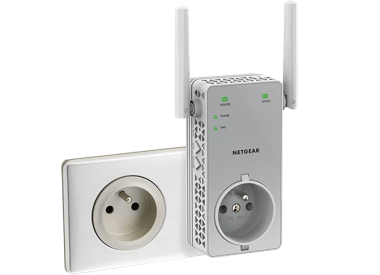
AC750 Dual Band WiFi Repeater, wall socket, with filtered power outlet
NETGEAR (EX3800) Dual-band WiFi Mesh Range Extender AC750
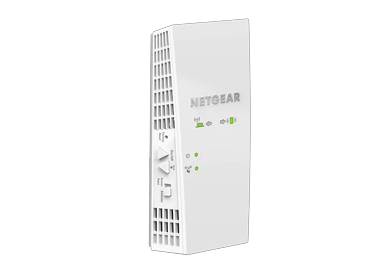
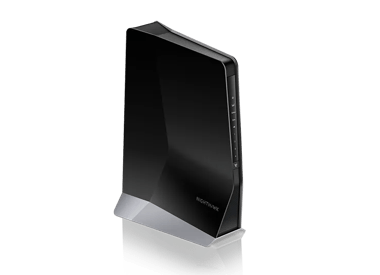

AX1600 4-Stream WiFi 6 Mesh Extender (EAX12)
Dual-band WiFi 6 Mesh Extender, 1.6Gbps, Wall-plug, Internal Antenna
- WiFi 6 technology
- up to 1.6 Gbit/s
AX1600 4-Stream WiFi 6 Mesh Extender (EAX12)
Dual-band WiFi 6 Mesh Extender, 1.6Gbps, Wall-plug, Internal Antenna
- WiFi 6 technology
- up to 1.6 Gbit/s

AX1800 WiFi Mesh Extender (EAX15)
Dual-band WiFi 6 Mesh Extender, 1.8Gbps, Wall-plug, Internal Antennas
- WiFi 6 technology
- 1G speeds
- up to 1.8 Gbit/s
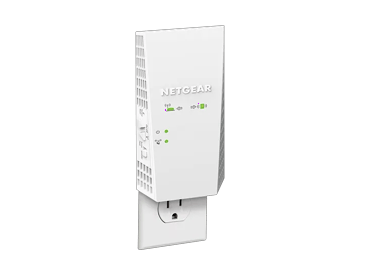
AC1750 WiFi Mesh Extender (EX6250)
NETGEAR WLAN-Repeater AC1750 (EX6250)
- WiFi 5 technology
- up to 1.7 Gbps
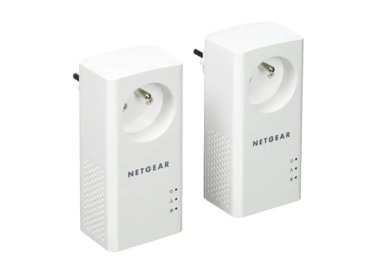
Powerline 1000 Extender (PLP1000)
Powerline Extender, 1000Mbps, Wall-plug, Extra Outlet, 2 Extenders
- bis zu 1 Gbit/s

AC750 WiFi Range Extender (EX3110)
Dual-band WiFi Range Extender, 750Mbps, Wall-plug
- WiFi 5 technology
- up to 0.75 Gbps
AC750 WiFi Range Extender (EX3110)
Dual-band WiFi Range Extender, 750Mbps, Wall-plug
- WiFi 5 technology
- up to 0.75 Gbps
AC750 WiFi Range Extender (EX3110)
Dual-band WiFi Range Extender, 750Mbps, Wall-plug
- WiFi 5 technology
- up to 0.75 Gbps
Showing 1-12 of 30
FAQs
A WiFi extender is a device that rebroadcasts your existing WiFi signal to reach areas with weak or no coverage. It’s an easy way to fill in dead zones around your home without replacing your entire network.
WiFi extenders are compatible with any brand of router and work by picking up the signal from your router and rebroadcasts it to expand coverage. Unlike mesh WiFi that uses multiple connected units, WiFi extenders create a second network that devices can connect to when they’re too far from the main router. This helps boost signal strength in hard-to-reach areas like upstairs rooms or basements.
To set up a NETGEAR WiFi extender, plug it in near your router and wait for the power light to turn solid. Press the WPS button on your router, then press the WPS button on the extender. Once connected, move the extender to a spot halfway between your router and the area with weak signal. You can also use the Nighthawk app or web browser setup if WPS isn’t available.