

Powerline Networking
Use your existing electrical wiring to extend your home network with plug-and-play powerline solutions.
9 Items
Sort by
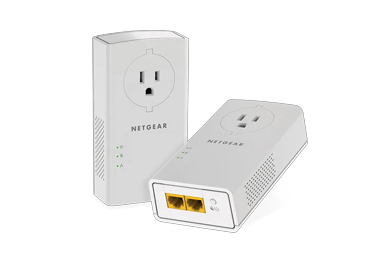
Powerline 2000 Extender (PLP2000)
Powerline Extender, 2000Mbps, Wall-plug , Extra Outlet, 2 Extenders
- up to 2 Gbit/s

PowerLINE 1000 + WiFi (PLW1000)
Powerline Extender, 1000Mbps, 1Gigabit Port, 1 Powerline Extender + 1 WiFi Extender
- WiFi 5 technology
- up to 1 Gbit/s
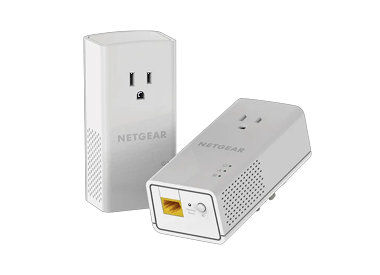
Powerline 1200 Repeater (PLP1200)
Powerline Repeater, 1200 Mbit/s, Wandstecker, 1 Anschluss, 2 Extender
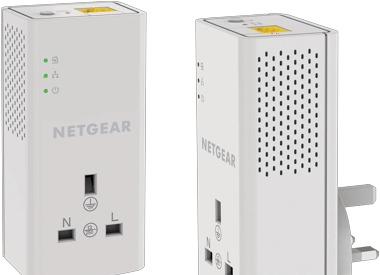
Powerline 1000 Extender + Extra Outlet (PLP1000)
Powerline Extender, 1000Mbps, Wall-plug ,1 Port, Extra Outlet
Powerline 1000 Repeater + zusätzliche Steckdose (PLP1000)
Powerline Repeater, 1000 MBit/s, Wandstecker, 1 Stecker, Zusätzliche Steckdose
- bis zu 1 Gbit/s
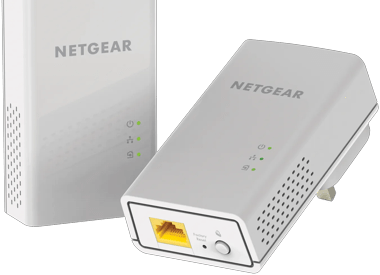
Powerline 1200 Repeater (PL1200)
Powerline Repeater, 1200 Mbit/s, Wandstecker, 1 Anschluss, 2 Extender
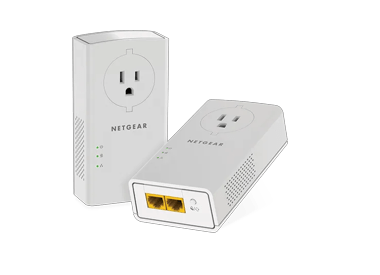
Powerline 2000 Repeater (PLP2000)
Powerline Repeater, 2000Mbps, Wandstecker, zusätzliche Steckdose, 2 Extender
- up to 2 Gbit/s
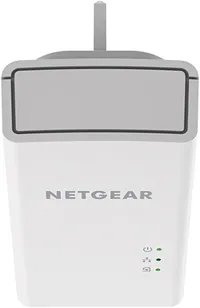
Powerline 1000 Extender (PL1000)
Powerline Extender, 1000Mbps, Wall-plug , 2 Extenders
Powerline 1000 Extender (PL1000)
Powerline Extender, 1000Mbps, Wall-plug , 2 Extenders
Showing 1-9 of 9
FAQs
Powerline adapters use your home’s electrical wiring to transmit internet data. You plug one adapter into a wall outlet near your router and connect it with an Ethernet cable. Then plug the second adapter into another outlet in the room where you need a connection. This creates a wired or WiFi link using your existing power lines, giving you stable internet without running long ethernet cables.
Powerline is better for stable, wired connections in homes where WiFi struggles to reach through thick walls or long distances. Note: Both adapters are on the same electrical circuit.
Mesh WiFi, on the other hand, offer seamless wireless coverage across your entire home, especially in larger spaces or multi-story layouts. It’s ideal if you have many devices and want smooth roaming without switching networks. Plus, it delivers faster speeds, better performance, and support for the latest WiFi technology like WiFi 6 or 7.
The best place to put a powerline adapter is directly into a wall outlet—not a power strip or surge protector. Plug one adapter near your router and the other in the room where you need internet. For best results, use outlets on the same electrical circuit and avoid areas with high-power appliances that can cause interference.