
25 Items
Sort by


$259.00
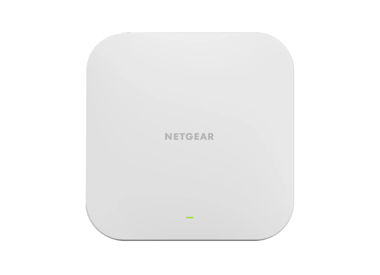
NETGEAR® WiFi 6 AX1800 Dual-band Access Point with Multi-Gig PoEcurrent price $259.00
$249.00
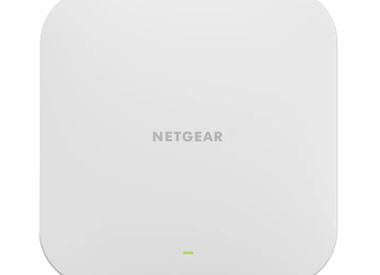
NETGEAR WiFi 6 AX4200 Dual-band Access Point with Multi-Gig PoEcurrent price $249.00
$799.00
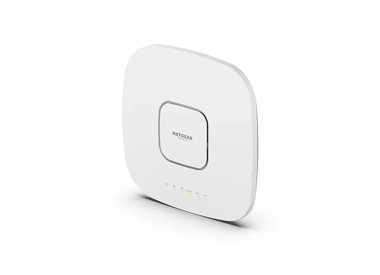
AX6000 Tri-Band PoE Multi-Gig WiFi 6 Access Pointcurrent price $799.00

$471.99
AX1800 Dual Band PoE Multi-Gig Insight Managed WiFi 6 Outdoor Access Pointcurrent price $471.99
$362.99
AX1800 Dual Band PoE Multi-Gig Insight Managed WiFi 6 Access Pointcurrent price $362.99
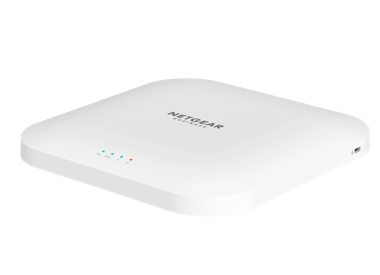
AX3600 WiFi 6 Access Point (WAX218)
NETGEAR Essentials AX3600 WiFi 6 Dual Band Wireless Access Point (WAX218)
- WiFi 6 technology
- AX3600
- up to 185 m²
$449.00
NETGEAR Essentials AX3600 WiFi 6 Dual Band Wireless Access Point (WAX218)current price $449.00Showing 1-12 of 25
FAQs
A wireless access point, or WAP, is a device that connects to your wired network and creates a wireless local access network (WLAN) using WiFi radio frequencies. It allows WiFi-enabled devices like laptops and smartphones to connect to the network wirelessly. You can use it to extend your existing WiFi coverage or to add wireless connectivity to a wired-only network. Most WAPs work with Power over Ethernet PoE Switches, eliminating the need for a physical 110v/220v power adaptor.
A router connects multiple networks and directs data between them - most often between your local network and the internet. It assigns IP addresses and manages network traffic. A wireless access point, on the other hand, extends WiFi coverage by connecting to the router and providing wireless access to wired networks. In short, the router manages the network; the access point expands it.
For optimal coverage, place your wireless access point centrally within the area you want to cover, elevated on a wall or ceiling. Keep it away from thick walls, metal objects, and electronic devices that can block or interfere with the signal. Avoid corners or enclosed spaces, and position it in an open area where the signal can travel freely. This placement minimizes dead zones and ensures a strong, reliable connection across your entire space.