
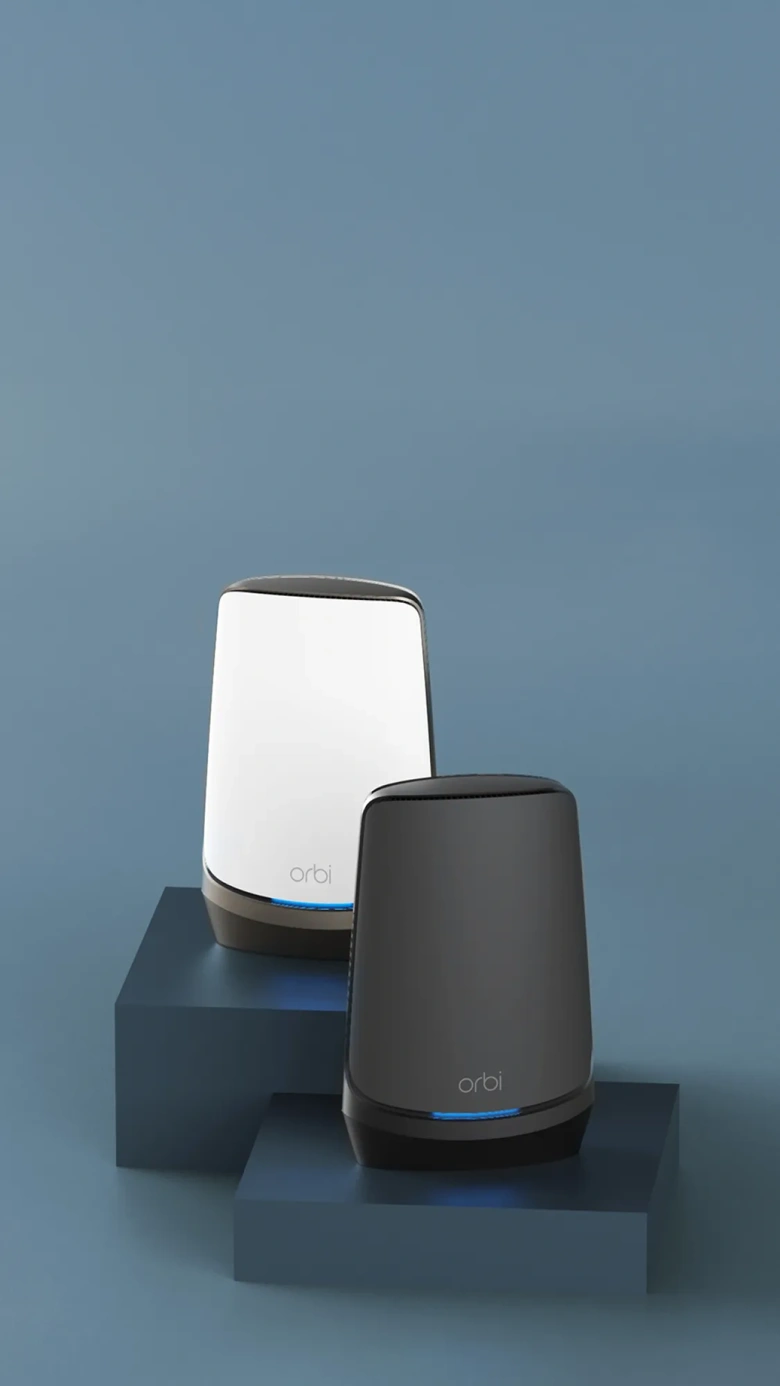
Inicio de sesión y configuración de Orbi
Aprenda a iniciar sesión en la interfaz web de la red Orbi o utilice la información de la aplicación de administración de Orbi que se muestra a continuación
¿Intenta conectarse a su sistema Orbi?
Si utiliza Orbi Pro Login aquí.
Es posible que no esté conectado a su red WiFi de Orbi.
Si aún desea utilizar routerlogin.com o routerlogin.net, visite La página de inicio de sesión de Orbi no se puede mostrar o consulte a continuación para obtener más detalles

¿Está intentando comprar un router Mesh?
Mesh WiFi para todo el hogar
No más zonas muertas, conexiones interrumpidas ni cargas en búfer. Cubra cada metro de su hogar con un WiFi fluido, fiable y de primera clase.
Routers WiFi
Los routers inalámbricos de NETGEAR están repletos de funciones, valor y un rendimiento líder en el sector en el que se ha confiado durante más de 20 años

Solución avanzada de problemas para conectar el router:
Parece que no estás conectado a la red Wi‑Fi de tu Orbi. No te preocupes, nos puede pasar a todos. Prueba los pasos siguientes para conectarte:
If you are using Orbi Pro, please click here
- Utiliza la app NETGEAR Orbi
La app Orbi facilita la configuración y gestión de tu router Wi‑Fi. Solo tienes que conectar tu dispositivo móvil a la red Wi‑Fi de Orbi y la app te guiará en el resto del proceso. Una vez configurada, podrás gestionar tus dispositivos conectados, ejecutar una prueba rápida de velocidad de Internet, pausar el acceso a Internet, configurar los controles parentales inteligentes Circle ® y mucho más.
2. Descárgala en App Store y en Google Play
3. Si aún quieres usar orbilogin.net en tu ordenador, visita la página de solución de problemas.
4. Si utilizas una conexión VPN o un rango de IP personalizado, escribe la dirección IP de la puerta de enlace en el navegador para acceder a tu Orbi. La dirección IP de puerta de enlace predeterminada de tu Orbi es 192.168.1.1.
5. Es posible que algunos navegadores hayan guardado en caché esta página por error. Sigue las instrucciones que encontrarás a continuación para borrar la caché e inténtalo de nuevo:
Google Chrome:
- En Chrome, ve a la barra de herramientas del navegador, haz clic en Más herramientas y selecciona Borrar datos de navegación.
- Selecciona la opción «desde el origen de los tiempos» y haz clic en Borrar datos de navegación.
Safari:
- En Safari, desde la pantalla de inicio, selecciona Ajustes > Safari.
- En la parte inferior de la pantalla de ajustes de Safari, selecciona Borrar cookies y datos o Borrar cookies y Borrar caché. Confirma cuando se te solicite.
Firefox:
- En la barra de menús de la parte superior de la pantalla, haz clic en Ajustes > Privacidad y seguridad.
- En la sección Cookies y datos del sitio, haz clic en Borrar datos. Desmarca Cookies y datos del sitio.
- Con Contenido web en caché marcado, haz clic en el botón Borrar.
¿Por qué comprar directamente a NETGEAR?
Envío gratuito
Ofertas exclusivas
Chat en directo pre-compra con asistente
Devoluciones sin complicaciones